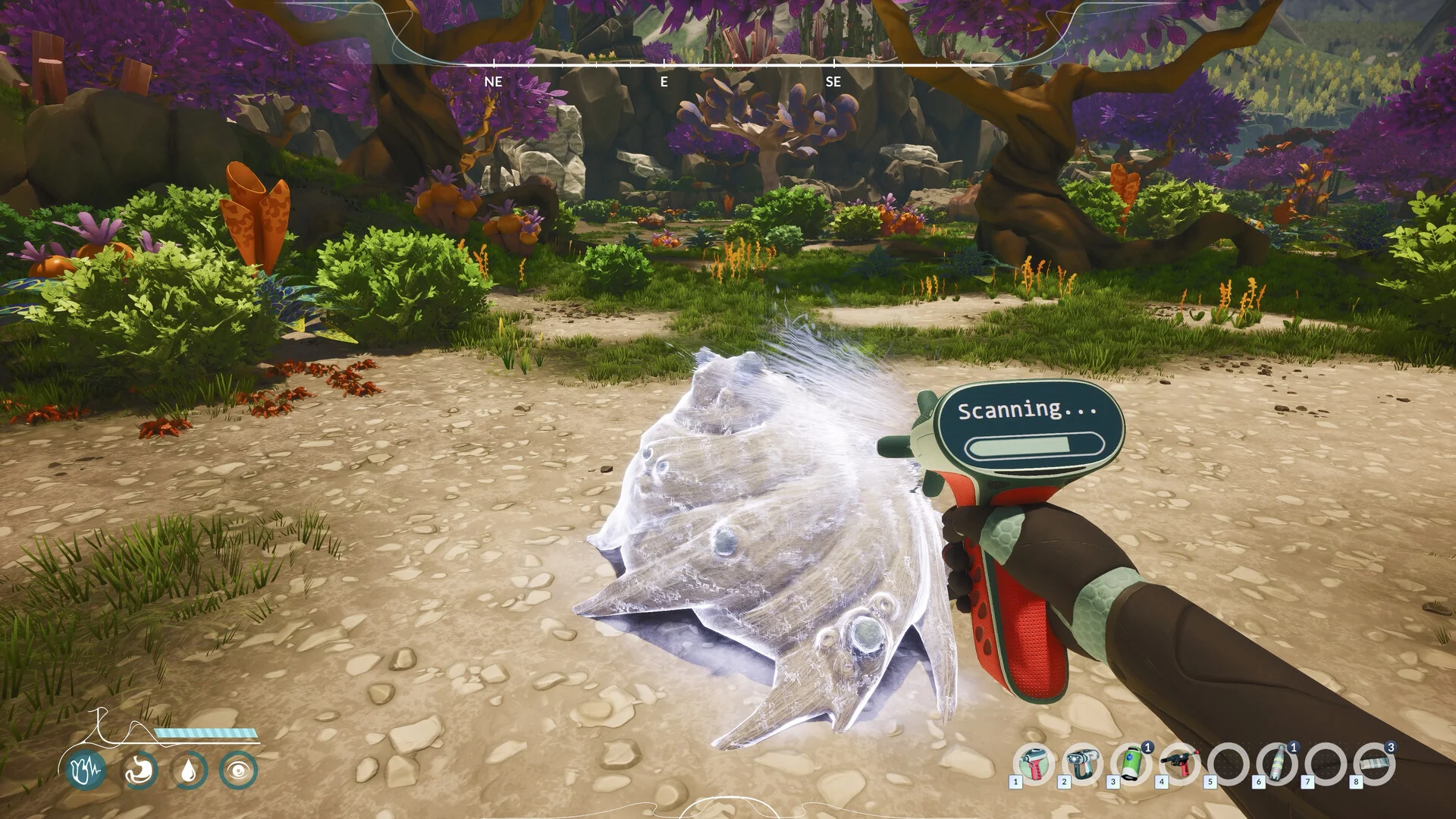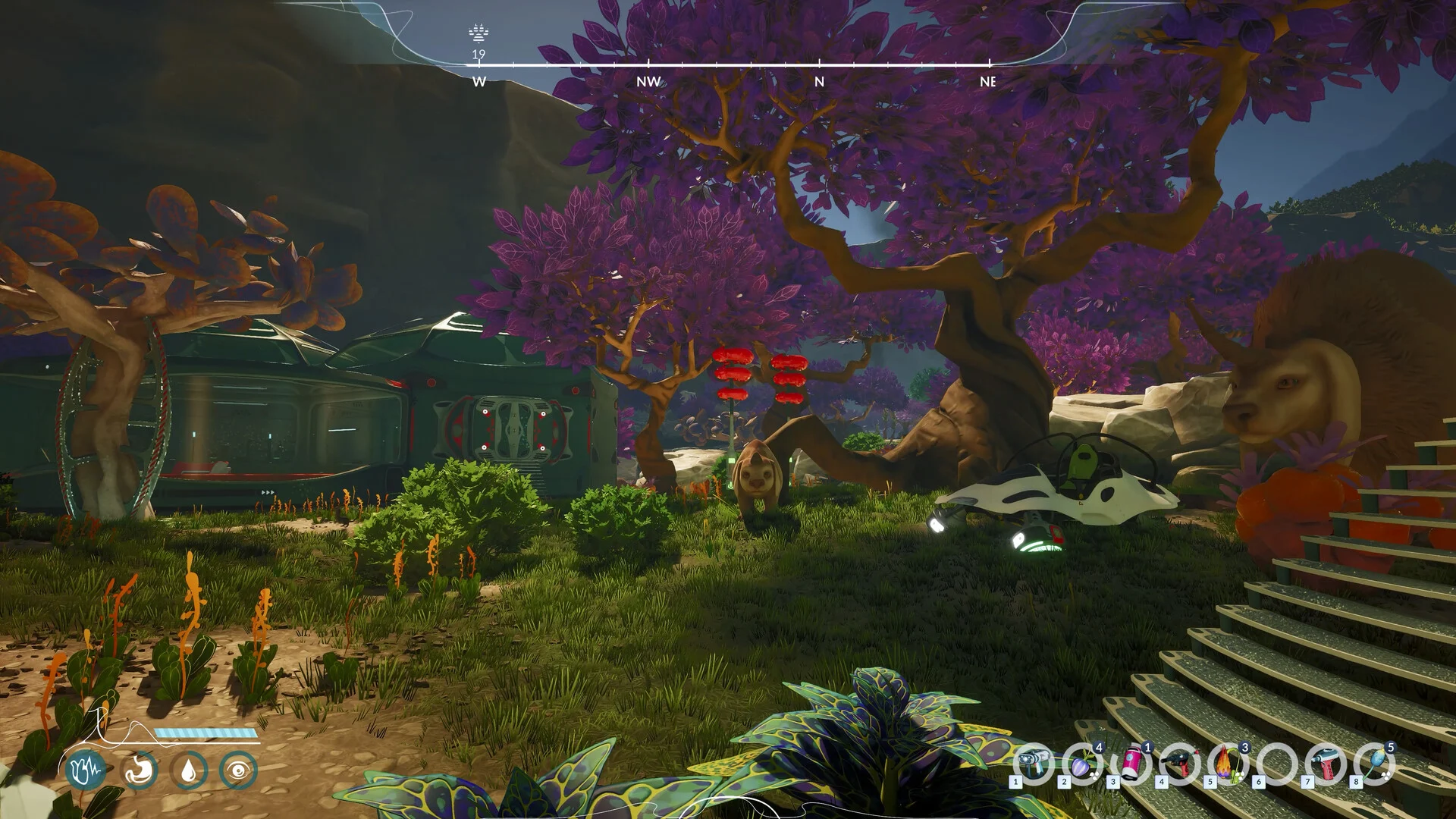
There is no verified item-spawn command or usable item-ID table on this page. If your goal is to obtain a missing resource, the links below lead to gathering, storage and habitat checks. An item’s displayed name is not a working console code.
Can I open a console and spawn items?
We have not verified a console-opening key, supported command syntax or a reproducible spawn example for the current game. The official sources checked here do not provide that procedure. This does not establish that every possible unofficial method is impossible.
A valid example would need the game version, how the console is enabled, the complete command and a checked result. Without those details, a plausible-looking identifier is not enough to use.
Get help with the missing item
- Ore or plant collection fails: equip the gathering tool and use the interaction prompt.
- Ingredients exist but crafting does not count them: run the storage/backpack comparison.
- You do not know where the species grows: look up its regional habitat.
- You need food or a useful material: choose a resource by its use.
These links help with normal resource acquisition. They do not replace a missing quest item or confirm that any recipe accepts a substitute.
A quest appears stuck
Record the objective text, missing item name and what happened immediately before progress stopped. Include whether the item was ever collected or consumed. Use the report checklist and send it through an official channel.
Preserve your existing save before testing any unofficial command or editor. This page does not supply a verified quest-reset command or save-file location.
Sources & verification
Updated 2026-09-08. Source dates and evidence limits are noted above. This guide is based on published information, not a full-game playtest. Unverified details are identified above.