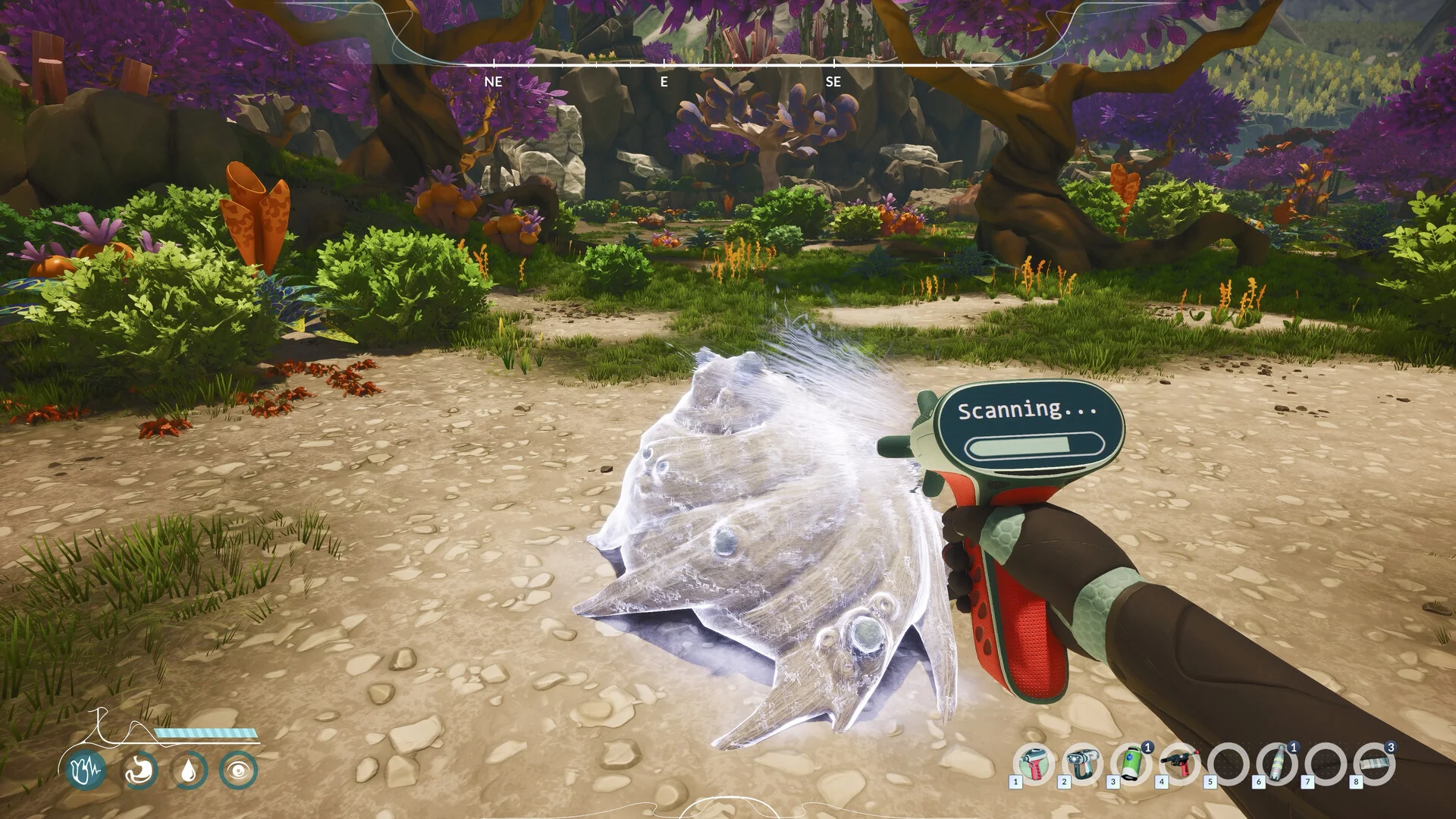
No middle mouse button? A player reports assigning the scanner by hovering over it in the inventory and pressing a number key from 1 to 0. Try this for hotbar assignment; it is not a verified replacement for every middle-mouse action.
Put the scanner on the hotbar without middle mouse
Community workaround: a player describes this method. We have not tested it in the current full-game build.
- Open the inventory and hover the pointer over the scanner.
- Press a number key from 1 to 0 to assign it to a hotbar slot.
- Check that the scanner appears in the chosen slot. If it does not, record your version and input setup rather than assuming the assignment succeeded.
This addresses item assignment. It does not establish an alternative for opening the quick wheel or placing map pins.
Can you rebind the middle mouse button?
The thread contains an early developer suggestion to rebind controls, followed by player reports that this particular action was absent from Input settings. Check whether the action is listed in your own version; the early suggestion alone does not prove that all middle-mouse actions can be rebound.
A later reply says a separate keyboard binding is planned for the full version. This is not verification that the binding shipped or which key it uses. No complete keyboard or controller layout is claimed here.
Chisel, pruner or trowel missing from the wheel?
These gathering tools do not need to be held. Frozen Way confirms that an equipped tool is used when you interact with a suitable resource. Follow the gathering-tool steps instead of trying to use them like the scanner.
Builder will not enter the wheel
In the Wheel Bug discussion, the original poster clarifies that the problem concerns the Builder after another player explains automatic gathering tools. The gathering explanation does not resolve that separate report. No verified Builder-wheel fix is supplied in the thread.
Report the exact input problem
- Name the action: assign an item, open the wheel, interact with a resource or place a map pin.
- Include the item, demo/full-game version and mouse, trackball or controller model.
- Say whether the action appears in Input settings and what happens when you try the workaround.
- Attach the relevant inventory or settings screenshot if possible.
Sources & verification
Updated 2026-09-08. Source dates and evidence limits are noted above. This guide is based on published information, not a full-game playtest. Unverified details are identified above.